


An easy way to pay. Every day.
With Apple Pay, you can pay quickly and easily with your Instarem Business Card right from your iPhone or Apple Watch.

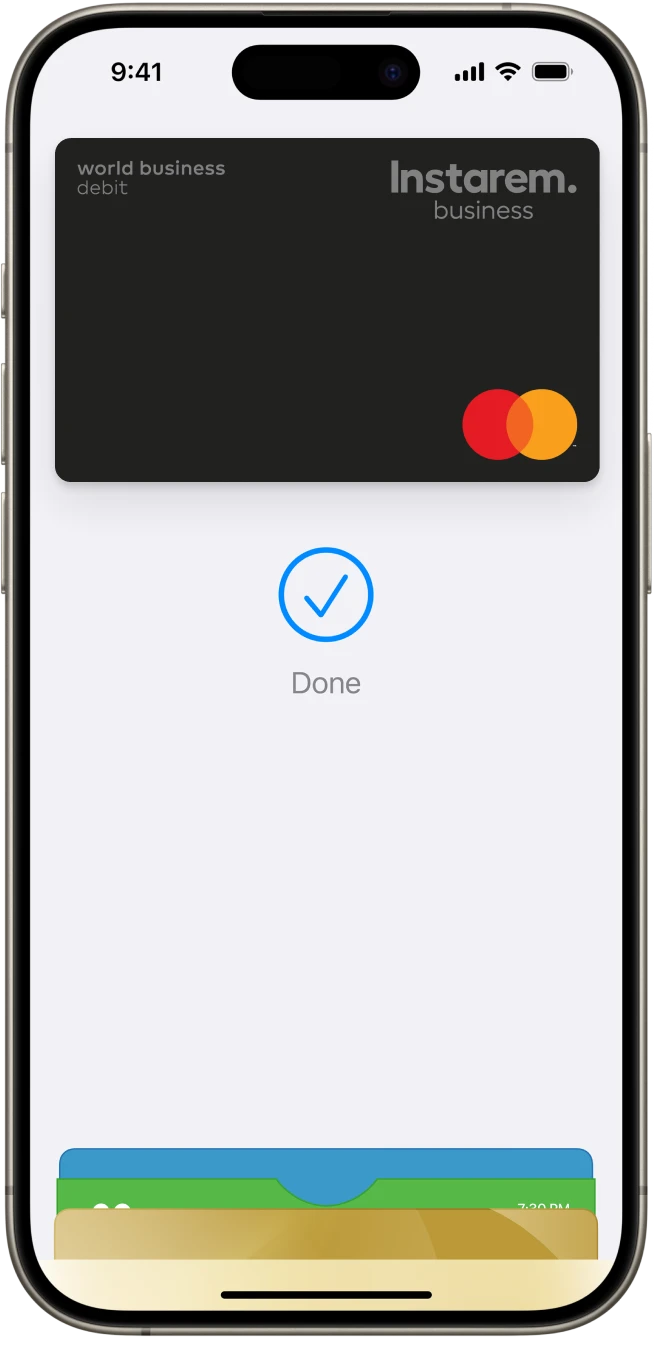
What is Apple Pay?
Apple Pay is an easy, secure and private way to pay using your Instarem Business Card with Apple devices like iPhone and Apple Watch. It lets you pay online or in-store without entering card details – just tap, pay, and go! See the full list of compatible Apple Pay devices here.
Why use Instarem Business Card with Apple Pay?
It's easy
Just tap to make business payments online or in-store, anywhere contactless payments are accepted.
It’s fast
No more entering your card details manually. Make quick payments online and in person.
It’s secure
With Face ID and Touch ID on your Apple device, only you can authorise your payments.
How to add Instarem Business Card to Apple Pay
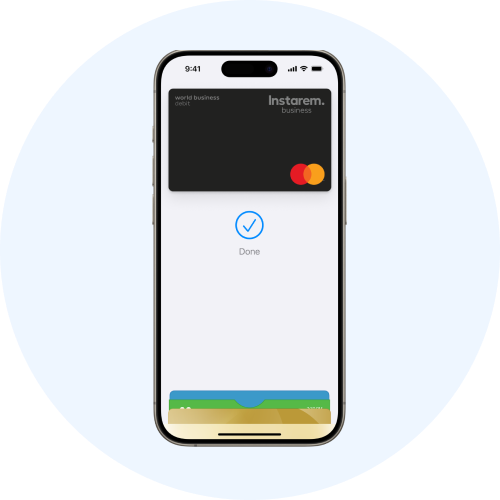
On iPhone
- Open the Apple Wallet app and tap the + sign.
- Tap ‘Debit or Credit Card’.
- Scan your Instarem Business Card or enter the details manually.
- Verify your card information and enable it for Apple Pay.

On Apple Watch
- Open the Apple Watch app on your paired iPhone.
- In the ‘My Watch’ tab, tap ‘Wallet & Apple Pay’.
- Tap ‘Add Card’ and select ‘Debit or Credit Card’.
- Follow the steps on the screen to add your Instarem Business Card.
- Verify your card information and enable it for Apple Pay.

Not using the Instarem Business Card yet?
Sign up now and start paying instantly with your virtual card, while your physical card is on its way.
Have questions?
Yes, you can add your Instarem Business Card to Apple Pay. If you’re waiting for your physical Instarem Business Card to arrive, you can add your virtual card to Apple Pay and get started with easy contactless payments right away.
Apple Pay is accepted at several stores, restaurants, vending machines, taxis, MRT stations, websites, and apps in Singapore and overseas. You can use Apple Pay anywhere that you see the Apple Pay mark or the contactless symbol. Look for them on the payment screen or on the cash register at checkout.
See the list of countries and regions that support Apple Pay here.
You can easily add your Instarem Business Card using your Apple Wallet on your Apple device.
On iPhone:
- Open the Apple Wallet app and tap the + sign.
- Tap ‘Debit or Credit Card’.
- Scan your Instarem Business Card or enter the details manually.
- Verify your card information and enable it for Apple Pay.
On Apple Watch:
- Open the Apple Watch app on your paired iPhone.
- In the 'My Watch' tab, tap ‘Wallet & Apple Pay’.
- Tap ‘Add Card’ and select ‘Debit or Credit Card’.
- Follow the steps on the screen to add your Instarem Business Card.
- Verify your card information and enable it for Apple Pay.
See the full list of compatible Apple Pay devices here.
Apple Pay works on various Apple devices including iPhone, Apple Watch, Mac, and iPad. If you upgrade to a new iPhone, you can automatically transfer your Instarem Business Card to the new device.
You can refer to the complete list of compatible Apple Pay devices here.
Yes, you can add your Instarem Business Card to more than one Apple Wallet on different devices. Just remember that you'll need to set it up individually on each device.
The first payment card you add to Apple Wallet on a device will automatically become your default card for that device. If you add Instarem Business Card as an additional card, you can set it as your default card by following these steps:
On your iPhone:
- Open the Wallet app.
- Hold and drag your Instarem Business Card in front of the other cards.
On your Apple Watch:
- Open the Apple Watch app on your iPhone.
- In the 'My Watch' tab, tap ‘Wallet & Apple Pay’.
- Under ‘Transaction Defaults’, tap ‘Default Card’.
- Tap 'Instarem Business Card' to set it as your default card.
Now whenever you use Apple Pay, it will automatically charge your Instarem Business Card.
Yes, Apple Pay uses the security features built into your Apple device to help keep your purchases secure and private. All transactions require Face ID, Touch ID, or your passcode on your iPhone, iPad, or Mac and a double click on your Apple Watch. These features are designed so only you can make purchases with Apple Pay.
Your card number is never stored on your device or on Apple servers and it is never shared with merchants when you pay, keeping your details hidden and secure.
You can use Apple Pay to make easy, secure and private purchases online or in-store. Here’s how it works:
For online or in-app purchases:
- Tap the Apple Pay button.
- Confirm your payment details.
- Authenticate with Face ID/Touch ID/passcode.
For in-store purchases:
- Double-click the side button of your Apple device.
- Authenticate with Face ID/Touch ID/passcode.
- Hold your device near the contactless reader to pay.
In some countries and regions, if your transaction exceeds a certain amount when paying in shops with Apple Pay, you may need to enter your PIN or sign a receipt. For details, see the official page at Apple here.
There are no additional fees when you use your Instarem Business Card with Apple Pay.
Apple, the Apple logo, Apple Pay, Apple Watch, iPhone, Face ID, and Touch ID are trademarks of Apple Inc., registered in the U.S. and other countries.