


amaze and Google Pay​TM

Pay the way you want​​

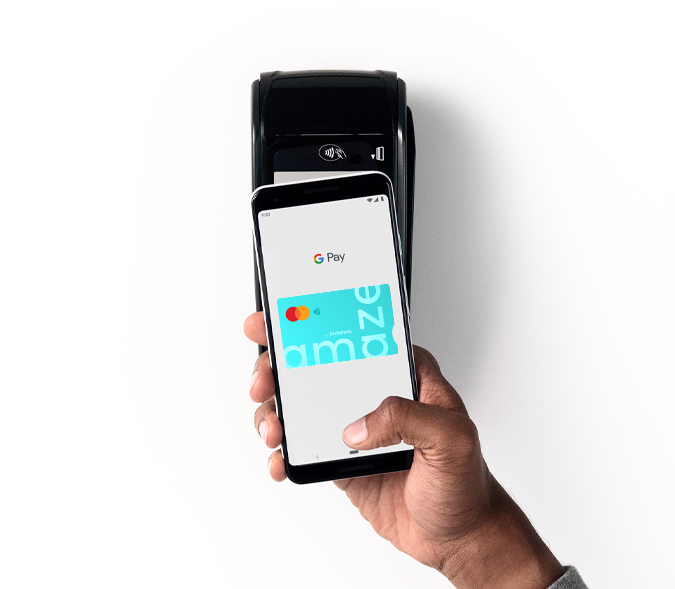
Use amaze on Google Pay to enjoy convenient payments with your Android phone and get rewards on top of rewards.

google-pay-masthead

What is Google Pay?

Google Pay is a fast and simple way to use your amaze card to pay for online or in-store purchases. It brings together everything you need at checkout and keeps your payment information safe in your Google account until you’re ready to pay.​


Google Pay works on any Android™ device running Android Lollipop 5.0 or higher.​

Make the most of amaze and Google Pay

Stack up on rewards

Earn KrisFlyer miles + your linked cards’ rewards* + Google Pay rewards^.

no-physical-card

No need for physical card

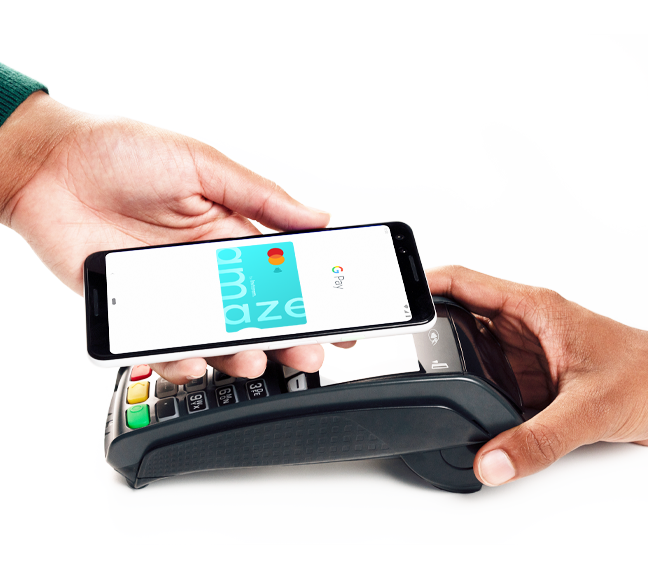
Tap to pay with your Android phone wherever contactless payments are accepted.​

icon-explore-security

Peace of mind

Google’s advanced security infrastructure keeps your payments safe.​

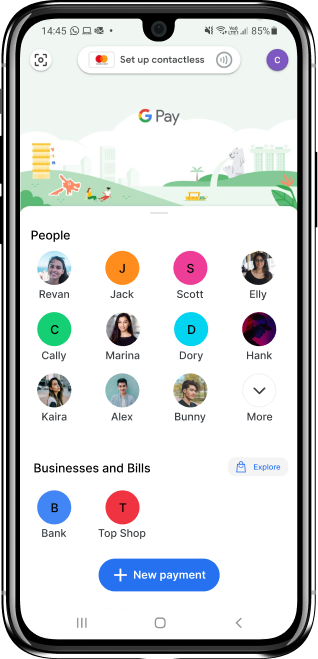
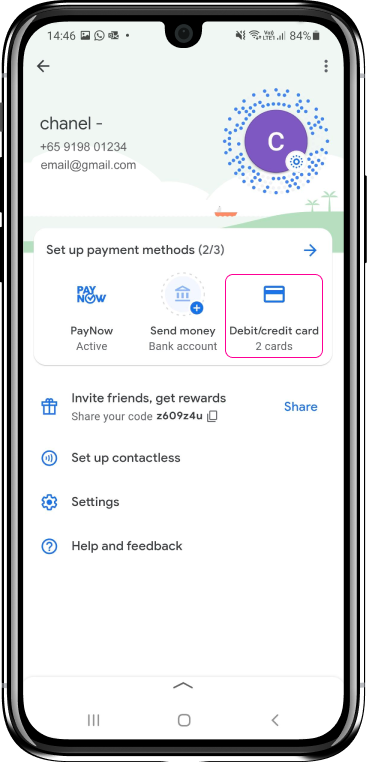
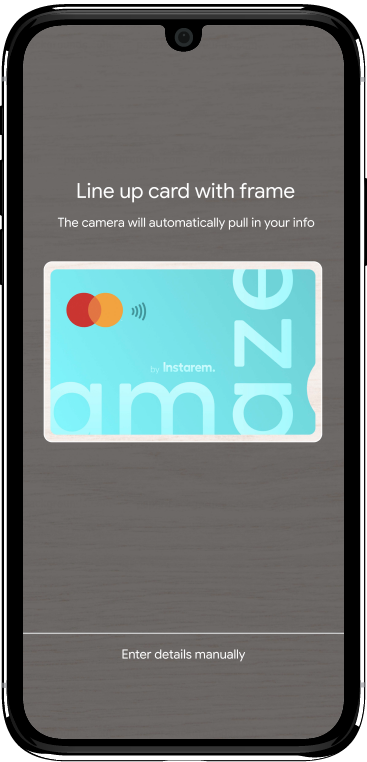
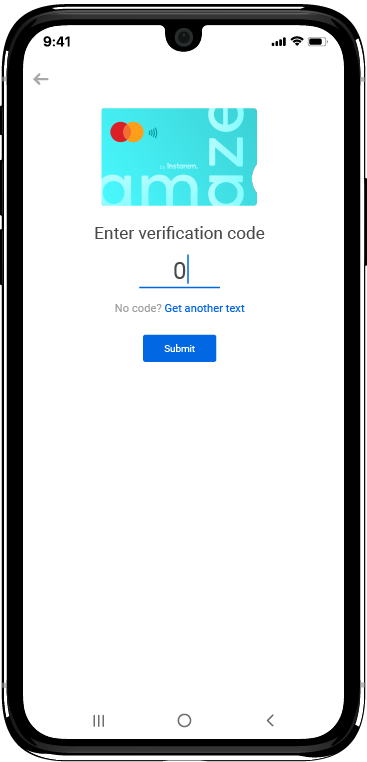
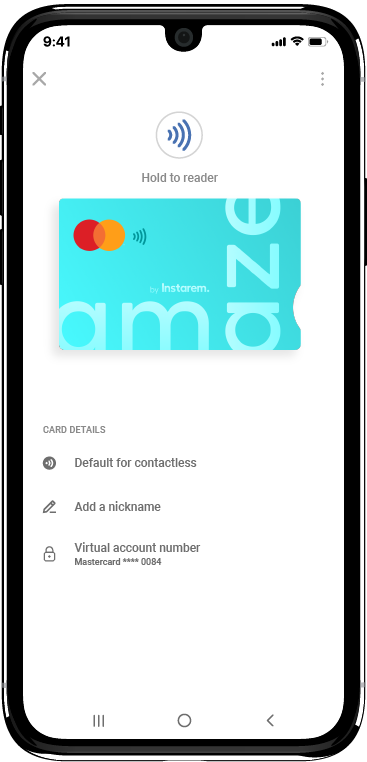
How to add amaze on Google Pay?

Safe and secure payments.
Every time​.​

Google Pay uses machine learning and 24/7 fraud detection with advanced security infrastructures to help keep your account safe.​

When you tap to pay with your phone, Google Pay uses an encrypted number instead of your real card number so your payment information stays protected.​

Sure enough, your payments are completely secure with Google Pay.​

Not using amaze yet?

Sign up and get yours in minutes via the Instarem app.

Why use amaze?

one

Earn KrisFlyer miles and enjoy any linked cards’ rewards* and Mastercard benefits you’re eligible for.

two

Link up to 5 cards and enjoy uninterrupted spending through amaze.​

three

Save on hefty foreign exchange rates and enjoy Instarem FX rates with every global purchase.

FAQs

^ Google T&Cs apply

* amaze T&Cs apply